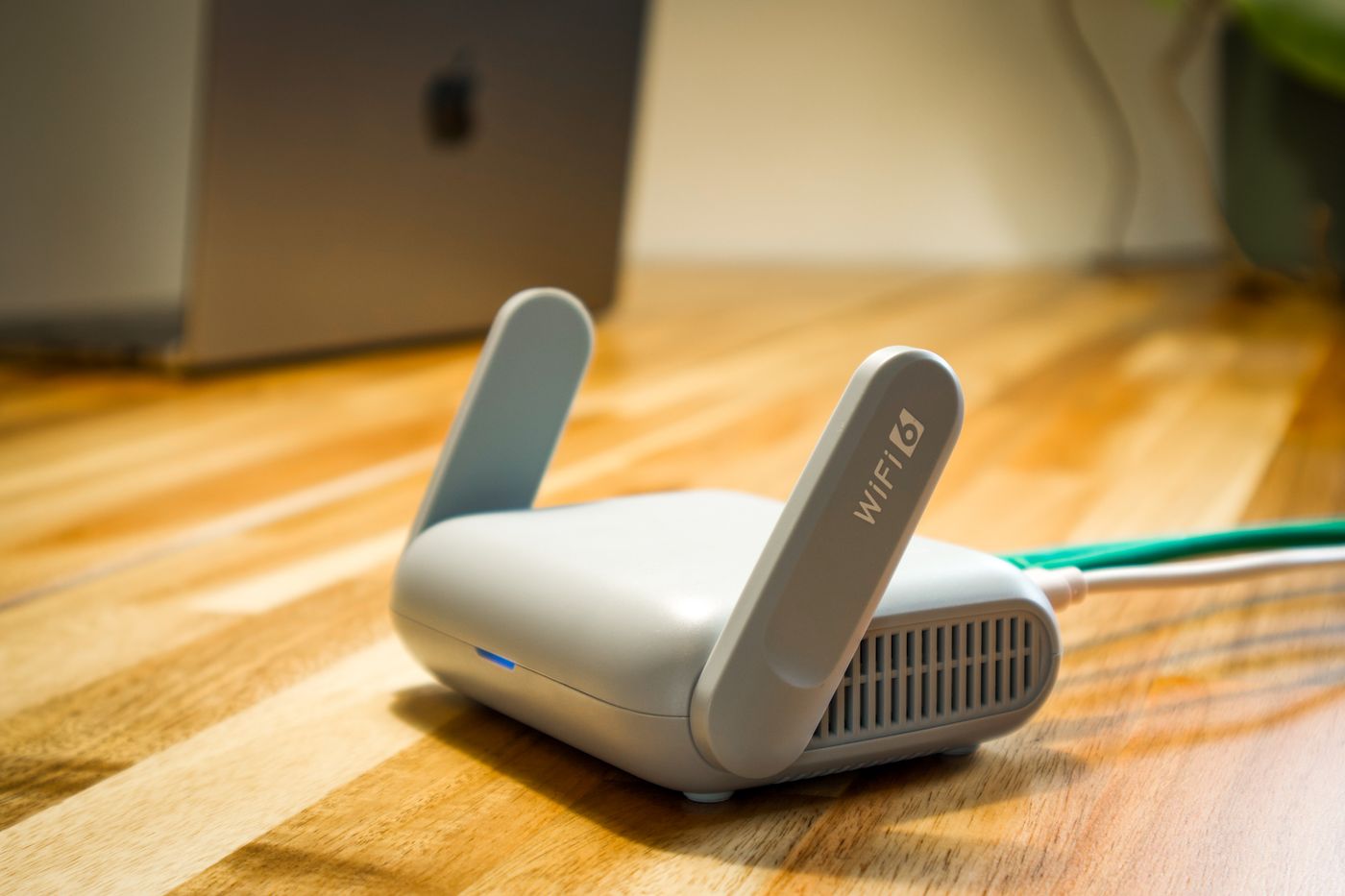
A small home rarely needs the biggest router. It needs stable coverage, sensible controls, and enough capacity for the devices you actually own.
Begin with your internet plan
Your router should support the speed you pay for, but a faster rating on the box does not guarantee faster rooms. Walls, neighboring networks, and device placement matter just as much.
Wi-Fi 6 is a useful baseline
Wi-Fi 6 improves efficiency when many phones, laptops, televisions, and smart devices share the network. Wi-Fi 6E can add a less crowded band, but only compatible devices can use it.
Placement beats marketing
Place the router in an open, central position. Avoid cabinets, floors, and the far end of the apartment. If one room still has weak service, a wired access point or mesh node is usually more effective than buying a more powerful single router.
Features worth paying for
- Automatic security updates
- Guest network controls
- Simple parental controls
- Clear device management
- At least one gigabit Ethernet port
Bottom line
Choose a current Wi-Fi 6 router from a manufacturer with a good update record, then place it well. For most apartments, that delivers a better experience than an oversized gaming router.
Coverage depends on placement
Apartment walls, neighboring networks, and device antennas affect results more than a box rating. Place the router in an open, central position and test rooms where you call or stream. If one room remains weak, a well-placed mesh node may help more than a faster router.
| Decision | Look for | Trade-off |
|---|---|---|
| Generation | Wi-Fi 6 baseline | Newer gear costs more |
| Ports | Gigabit Ethernet if needed | Extra size |
| Controls | Guest network and updates | Some upkeep |
FAQ
A faster internet plan cannot fix poor in-home coverage. Wi-Fi 6E is useful only with compatible devices and a real congestion problem.
Bottom line: buy for stable coverage and sensible controls.